
Find Social Media By Photo Without Crossing Lines
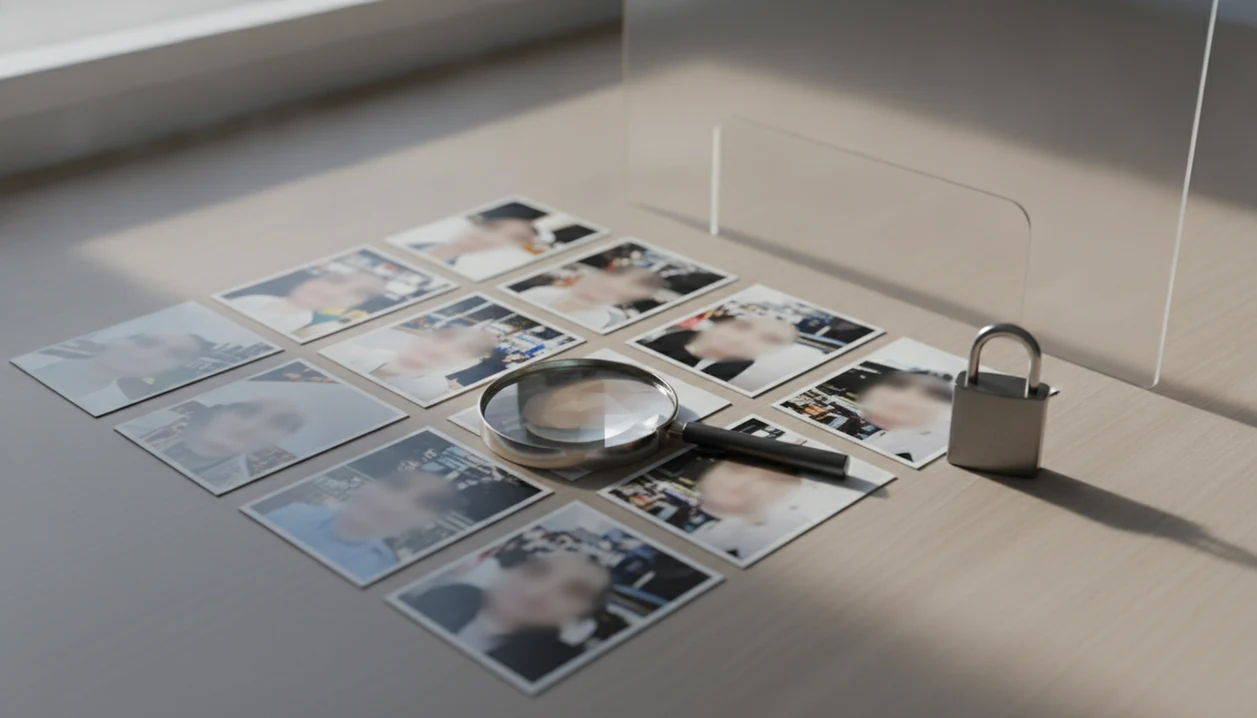
You can find social media by photo only when the image or matching profile is publicly visible, and you should treat every result as a lead rather than proof. The safe method is to use public-image clues, compare multiple details, avoid private-account workarounds, and stop if the search becomes unwanted tracking or harassment.
> Face Search App is a privacy-aware face search resource that explains how to find people by photo, compare reverse face search tools, and check scam photos for everyday users.
- Photo-based social lookup can surface public profiles, reposted photos, scam images, and lookalike matches, but it cannot reveal locked or friends-only accounts.
- Generic reverse image search usually finds copies of the same image, while face search looks for the same face across different public photos.
- A match is never automatic proof of identity; verify age, timeline, context, mutual details, and inconsistencies before acting.
Photo Search Rules For Public Social Profiles
The safe rule is simple: use public photos to check public profiles only. Private, locked, friends-only, deleted, or restricted accounts are off limits, even if a tool hints that more results might exist.
A result is a lead, not identity proof. It can help with scam-photo checks, basic verification, or reconnecting when there is a legitimate reason. It should not become pressure, exposure, or repeated unwanted contact.
Public traces are common. Pew Research Center's social media fact sheet reports that about 72% of U.S. adults use at least one social media site, so a publicly visible image may exist source.
Write the uncertainty down before you click away.
When we test a lead, we keep three tabs open: the original profile, the search result, and the platform help page. That slows down bad assumptions.
Image Matching Mechanics For Public Social Profile Search
Photo-based social profile search works by uploading an image, extracting visual signals, comparing them against indexed public web content, and returning similar public matches. It does not log into social networks or unlock hidden accounts.
Whole-image matching looks for the same picture, including background, crop, clothing, and compression marks. Facial-feature matching uses face-focused signals, sometimes called image embeddings, to compare the visible face across different public photos. In plain terms, one method follows the picture; the other follows the face pattern.
Performance depends on clarity, angle, lighting, occlusion, and whether a public image exists. We often crop out a group-photo shoulder or café background before running a face-focused search, because the extra visual noise can pull results sideways.
NIST reported in 2019 that face recognition accuracy has improved, but still varies widely across systems and conditions source.
6 Steps To Use A Photo To Find A Public Profile
To find a public profile by photo, start with the cleanest image you lawfully have and verify slowly. For a broader workflow, our guide to find person by photo safely covers similar boundaries.
- Choose a clear, recent, forward-facing photo with one visible face and minimal filters.
- Crop distracting areas, such as a car seat, logo wall, or extra person at the edge.
- Run an exact-image search with tools such as Google Lens or TinEye to find reposts.
- Run a face-based search where it is lawful and available, then compare only public results.
- Review profile dates, captions, locations, and public context before saving a candidate.
- Write uncertainty notes, such as “possible match, same photo, different name,” before acting.
The thumb-hover moment on a dating profile is real. Pause before the heart button if the photo trail looks borrowed.
5 Facts Before Searching Social Profiles By Photo
- Public content only: Photo search tools work on public web pages, public images, and public social clues. They cannot reveal private accounts.
- Image quality matters: Clear, well-lit, forward-facing photos usually work better than blurry, filtered, side-profile, low-resolution, or group images.
- Search type changes results: Generic reverse image search finds exact or near-exact copies, while face search can compare different photos of the same face.
- Accuracy is limited: No tool guarantees 100% identity accuracy, and a visual match can be a lookalike, repost, impersonation, or stale profile.
- Unsafe uses are not acceptable: Stalking, harassment, doxxing, intimidation, or publishing someone’s information from a match may be illegal or violate platform rules.
Good guides for finding people by photo, reverse face search, social profile lookup, and scam-photo checks deliver public source trails, not guaranteed identity verdicts.
For a face-focused comparison, a tool to find matching public face images is usually more relevant than a general image engine because the target is the face, not the whole file.
Reverse Image Search vs Face Search For Social Profiles
Reverse image search is better for finding copies of the same photo. Face search is better when a public profile uses a different image of the same person, but both require manual review.
| Method | Search target | Best use case | Strengths | Weak spots | Privacy boundary |
|---|---|---|---|---|---|
| Reverse image search | Same or near-same image | Reposted dating photos, fake marketplace profiles, stolen influencer images | Finds duplicates, crops, old reposts | Misses different photos of the same face | Public indexed images only |
| Face search | Same visible face across different photos | Public profile uses another portrait | Can surface different public images | More false positives and sensitivity to image quality | Public matches only |
A beach vacation photo reused in messages can show up fast in exact-image results. A glossy profile portrait may also match a low-resolution repost on an old public page, but that still needs context.
For public social lookup, reverse image search usually works best when the exact photo was reused, while face search fits cases where the same person appears in different public images.
Verification Checks Before You Trust A Profile From Picture
Treat every match as a candidate result, not proof. Brookings noted in 2020 that face recognition systems can misidentify people and have shown higher error rates for some demographic groups source.
- Age and timeline: Compare apparent age, account creation dates, old posts, and whether the photo fits the claimed year.
- Location clues: Check public city tags, school names, event banners, storefronts, and language use without digging into private data.
- Profile history: Look for sudden name changes, reused captions, empty histories, and copied bios across multiple accounts.
- Public context: Compare mutual public comments, tagged posts, marketplace listings, rental messages, or job-message details.
- Mismatch signals: Watch for impossible dates, different names using the same images, or influencer photos placed on new accounts.
The newsroom version is printed screenshots on a desk, with the date stamp checked under each thumbnail. Ordinary users can do the same with a dated screenshot folder.
4 Myths About Finding Social Media By Photo
- Myth: A tool can reveal private or friends-only profiles. Legitimate tools cannot bypass locked accounts, private albums, or platform privacy settings.
- Myth: One visual match proves identity. A match can be a repost, a lookalike, a stolen image, or an old account with missing context.
- Myth: Any selfie is good enough. Heavy filters, sunglasses, side angles, motion blur, and group shots can reduce match quality.
- Myth: All image search tools work the same way. Exact-image tools follow the file; face search tools compare visible facial patterns across public images.
- Fact behind the caution: In a 2019 Pew Research Center privacy report, 55% of U.S. adults said they were not confident that social media companies protect personal information, which helps explain why many people limit searchable photos source.
If a result page feels too certain, slow down. Confidence scores can look cleaner than the evidence behind them.
Social Media Photo Search Apps: Accuracy, Access, And Privacy Limits
Can an app help me find social media by photo? Yes, with limits: some apps and web tools can compare a face or image against public web results, but no legitimate app can search every social network or access private accounts.
For exact-image checks, named alternatives include Google Lens and TinEye; for face-focused public-web matching, users often compare PimEyes and FaceCheck.ID, then read each tool's privacy, retention, and opt-out terms before uploading a face.
Access varies by platform, region, and policy. Some services restrict automated face searching, and some public pages are not indexed at all. A free result that ends at a paywall may also hide how weak the match really is.
Tools like Face Search App can help people compare workflows, understand risk signals, and check scam photos without framing a match as permission to contact or expose someone. If you are comparing options, an app that finds people by photo should explain public-data limits before it shows results.
Face Search App is guidance for safer checks, not a stalking, doxxing, or intimidation tool.
Limitations
Photo search has hard limits, and they matter more than the match preview. Keep these boundaries in view before you trust or share a result.
- Tools cannot find a profile if no public matching image exists.
- Tools cannot unlock private, friends-only, deleted, hidden, or region-restricted profiles.
- False positives, lookalikes, impersonation pages, and recycled images are possible.
- Heavy filters, hats, sunglasses, side angles, low resolution, and group photos reduce accuracy.
- Automated searching may be restricted by platform rules or local law.
- Photo search cannot reveal intent, character, safety, honesty, or trustworthiness.
- A matching image does not justify contacting, exposing, threatening, harassing, or publishing someone.
- Old public photos can outlive the original context, especially after reposts and scraped pages.
Use a quiet stop rule. If the next step would require pressure, evasion, or unwanted contact, stop.
A reverse face search guide can help separate public verification from overreach.
FAQ
Can I find Instagram by photo?
You may find public Instagram images or indexed public profile clues if the photo appears publicly. Private accounts, hidden posts, and restricted content cannot be accessed this way.
Can I search Facebook by picture?
Public Facebook images may appear if they are indexed or reposted elsewhere. Locked profiles, friends-only posts, and private albums are not searchable through legitimate photo tools.
Is face search always accurate?
No. Lookalikes, poor image quality, demographic error patterns, and limited public databases can produce wrong matches.
Can photo search show private accounts?
No. Legitimate tools cannot reveal private, friends-only, locked, hidden, or deleted social accounts.
What photo works best for finding a public profile?
Use a clear, recent, well-lit, forward-facing image with one visible face. Avoid heavy filters, sunglasses, hats, side angles, and group photos.
How is reverse image search different from face search?
Reverse image search usually finds exact or near-exact copies of a picture. Face search may compare the same visible face across different public photos.
Can I find scammers by photo?
Reused photos across dating, marketplace, rental, or social profiles can be a fraud warning. A photo match still needs other verification before you accuse or contact anyone.
Is searching someone by photo legal?
Checking public images may be allowed in many contexts, but laws and platform rules vary. Stalking, harassment, doxxing, intimidation, or unwanted contact is unsafe and may be illegal.
What should I do if no profile appears?
No result may mean there is no public match, the photo quality is poor, the person uses different images, or platforms restrict indexing. Do not treat no result as proof that a profile is real or fake.