
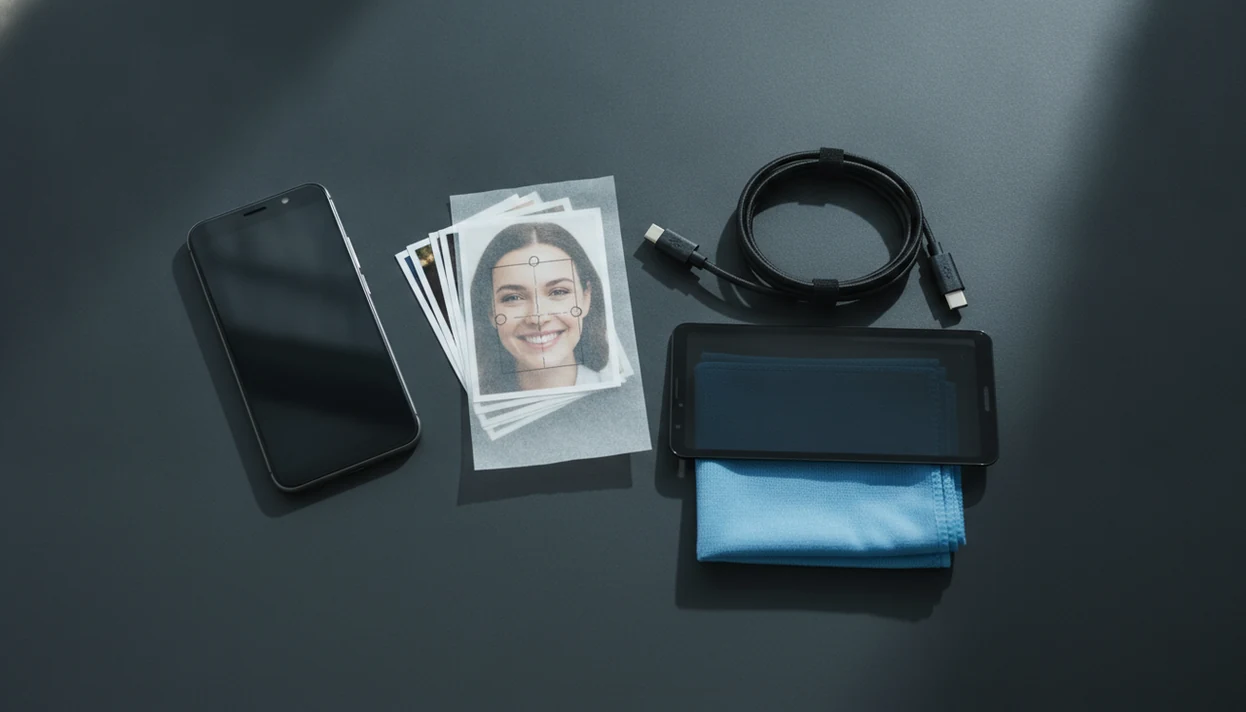
> Definition: A face search app for Android is a mobile tool that runs reverse face search against publicly indexed images to surface matching or visually similar photos, social profiles, and reused pictures across the web.
Android Reverse Face Search Tools That Work in Chrome
Android reverse face search works best in Chrome or Firefox when the service accepts a direct photo upload and returns public-image matches in the browser. Most Android users rely on browser tools because native face lookup apps are uneven, region-limited, or distributed outside major app stores.
Face-specific search is different from generic reverse image search. A face tool focuses on facial features and visually similar portraits. Google Lens and tineye.com look at the whole image, including clothing, background, logos, and page context. Both can help, but they answer different questions.
If you need one Android workflow for a suspicious dating photo, Face Search App fits because it separates face-focused checks from generic reverse image checks in a source-trail workflow. We usually keep three tabs open: the original profile, the search result, and the platform help page.
Good guides deliver public-photo verification, not instant identity claims.
How a Face Search App for Android Works
A face search app for Android works by sending a selected photo through a matching pipeline: upload, face detection, crop, comparison, and ranked results. The useful part is not magic identity lookup; it is a similarity check against images the service can legally and technically index.
After upload, the tool finds the face area and often crops away the background so a sign, jacket, or room does not steer the search. The system then turns the visible face into an embedding, which is a numerical summary of patterns in the image, not a human-readable face record with a name attached. That summary is compared in the cloud with indexed public images, and the app returns likely visual matches in rank order. Higher placement means stronger similarity, not confirmed identity. Result quality depends heavily on what sources are available: if a photo is private, deleted, blocked, or never indexed, the app may miss it. The tradeoff is privacy: biometric images leave the Android device, so retention rules and upload terms matter.
What a Face Search App for Android Does
A face search app for Android checks where a face appears online and returns possible public matches. It is built for photo verification, not guaranteed identification.
In practice, the app helps with three common workflows: spotting scam photos that have been reused across profiles, checking whether a profile image belongs to the account using it, and finding repeated copies of the same portrait on public pages. That is narrower than generic reverse image search. A face-focused tool looks primarily at the person’s visible facial features, while a broader image search may lean on the background, clothing, text, or page context.
A safe Android workflow usually looks like this:
- Open the tool in Chrome, Firefox, or a trusted Android browser if you do not want to install another app.
- Choose a cropped photo from your gallery or file picker, granting only the photo access needed for that upload.
- Review the returned matches as leads for scam-photo, profile-verification, or reused-image checks.
- Compare those leads with the original profile and other public context before acting.
- Remember that no app can guarantee a real name, complete history, or confirmed identity from a face alone.
Android Face Lookup Engines and Cloud Matching
- Face detection first isolates the face region from the uploaded Android photo, so the engine is not distracted by a jacket, wall, or café sign.
- Most services send the cropped image to a cloud matching system that compares image embeddings, meaning numerical summaries of visible features.
- Results are ranked by visual similarity, not confirmed identity, so a possible match still needs public context.
- Facial recognition usually means biometric matching against enrolled or indexed faces; reverse image search can mean broader visual similarity across pages.
- Grand View Research estimated the global facial recognition market at $5.15 billion in 2022 and projected it to reach $14.95 billion by 2030 (https://www.grandviewresearch.com/industry-analysis/facial-recognition-market), which shows how widely these systems now appear in consumer and institutional tools.
The mechanism sounds cleaner than it feels on a phone. We have seen a glossy profile portrait line up with a low-resolution repost on an old public page, then fail when the same image was saved through a messaging app. Face Search App treats that as a risk signal, not a verdict.
100×100 Pixel Photo Requirements for Android Face Search
A usable Android face search photo should show each target face at roughly 100×100 pixels or larger, with a front-facing angle and even lighting. Smaller faces can still upload, but match quality drops fast.
Avoid heavy filters, sunglasses, side profiles, motion blur, and extreme crops that cut off the forehead or chin. If the image is a screenshot, your screen resolution and the original app compression both matter. A saved screenshot from a chat preview may look clear on the phone, then upload as a tiny face patch.
For Android users comparing tools, the stronger workflow starts with photo preparation before any search claim is made. Crop out group-photo shoulders and busy backgrounds before upload. If results are poor, try the original file, a brighter image, or a non-face reverse search from our find person by photo safely workflow.
Tiny faces waste searches.
6 Android Steps for Safer Face Search
How to use a face search app for Android safely:
- Crop the photo to isolate the face, removing nearby people, signs, and private background details.
- Strip metadata with a free EXIF removal tool before uploading from your Android gallery.
- Open a browser-based face search tool in Chrome, Firefox, or another browser you trust.
- Upload the cropped, cleaned image only after checking the site privacy policy and upload terms.
- Review results as visual similarity, not definitive identity, and save a dated screenshot before a result page changes.
- Cross-check hits with reverse image search, username lookup, or platform records for layered verification.
For people checking one suspicious profile photo, the practical workflow turns the search into a documented review instead of a single yes-or-no result. If you want a broader tool list, the best face search app guide compares safer workflows and privacy tradeoffs.
Android Privacy Settings Before Uploading Face Photos
Facial images used to uniquely identify someone are treated as biometric data under GDPR, which means they deserve stricter handling than ordinary photos. Before uploading from Android, check whether the site stores, logs, shares, or reuses submitted images.
Disable location access for the browser during upload. Blur non-target faces in group photos. If the app permissions screen asks for full photo access, pause and decide whether a browser upload is safer. That small screen is easy to rush past.
Privacy concern is not abstract: Pew Research Center reported in 2022 that 46% of U.S. adults had at least some trust in law enforcement use of facial recognition, while 27% had little or no trust (https://www.pewresearch.org/internet/2022/03/17/public-more-likely-to-see-facial-recognition-use-by-police-as-good-rather-than-bad-for-society/). For Android uploads, the practical takeaway is to reduce exposure before search: strip metadata, crop to the face, and read the retention policy before sending the image.
Android Browser Tools vs Dedicated Face Search Apps
Browser tools usually suit one-time Android checks, while dedicated apps suit repeated lookups only when permissions and storage practices are clear. APK sideloading adds risk because unknown-source installs can request broad camera roll, storage, or notification access.
| Option | Android strengths | Android risks | Better fit |
|---|---|---|---|
| Chrome or Firefox browser tools | No install, easier to leave, simpler data-flow review | Cloud upload still occurs, limited offline features | One-time scam-photo checks |
| Dedicated store apps | Faster repeat searches, saved workflows, sometimes local face detection | Privacy terms may be vague, permissions can be broad | Repeated personal verification work |
| Sideloaded APKs | Access to tools not listed in major stores | Unknown-source risk, harder update trust, possible over-permissions | Only after careful vetting |
| Generic tools like Google Lens | Good for background and object reuse | Not face-specific in the same way | Context checks |
Android users who compare pimeyes.com, socialcatfish.com, Google Lens, and Face Search App should pick based on privacy, source trail, and purpose. For repeated searches, our download reverse face search app guide explains app-download tradeoffs.
Android Scam-Photo Checks Beyond Face Search
Face search can flag reused portraits, but scam-photo review gets stronger when you check the whole evidence trail. Search non-face portions of the image too: uniforms, hotel rooms, vehicles, landmarks, and cropped watermarks.
Run the username or handle across major social platforms. If the photo came from a website, check the domain reputation and age. A hospital bed photo sent after midnight may feel urgent, but urgency is a risk signal, not proof. Slow down.
The U.S. Government Accountability Office reported that 20 of 24 surveyed federal law enforcement agencies used facial recognition systems, and 19 used non-federal systems by 2020 (https://www.gao.gov/products/gao-21-526). The parallel for everyday Android users is simple: layered checks beat one-tool certainty. Face Search App covers scam-photo review because it pairs face matching with reverse image search, handle checks, and documented screenshots. For scam-focused installs, compare the download scam photo check app page.
Limitations
Face search on Android has real limits, and every result should be corroborated before acting.
- It cannot reliably find people with minimal or no public online presence.
- Visually similar faces can appear as false positives; similarity is not confirmed identity.
- Cloud processing means photos leave your device and may be retained by the service.
- Legal restrictions vary by country and change over time. What is allowed in one region may be illegal in another.
- No workflow can guarantee complete protection against catfishing, impersonation, or scam photos.
- Heavy filters, extreme angles, sunglasses, and low-light photos sharply reduce match accuracy.
- A zero-result search does not prove a photo is fake. The person may have strong privacy settings.
- APK-based Android face lookup apps can be risky if permissions include full gallery access without clear need.
Face Search App is useful for cautious review because it labels matches as possible leads and asks users to document the result. Still, it does not replace consent, platform reporting tools, or local legal advice.